
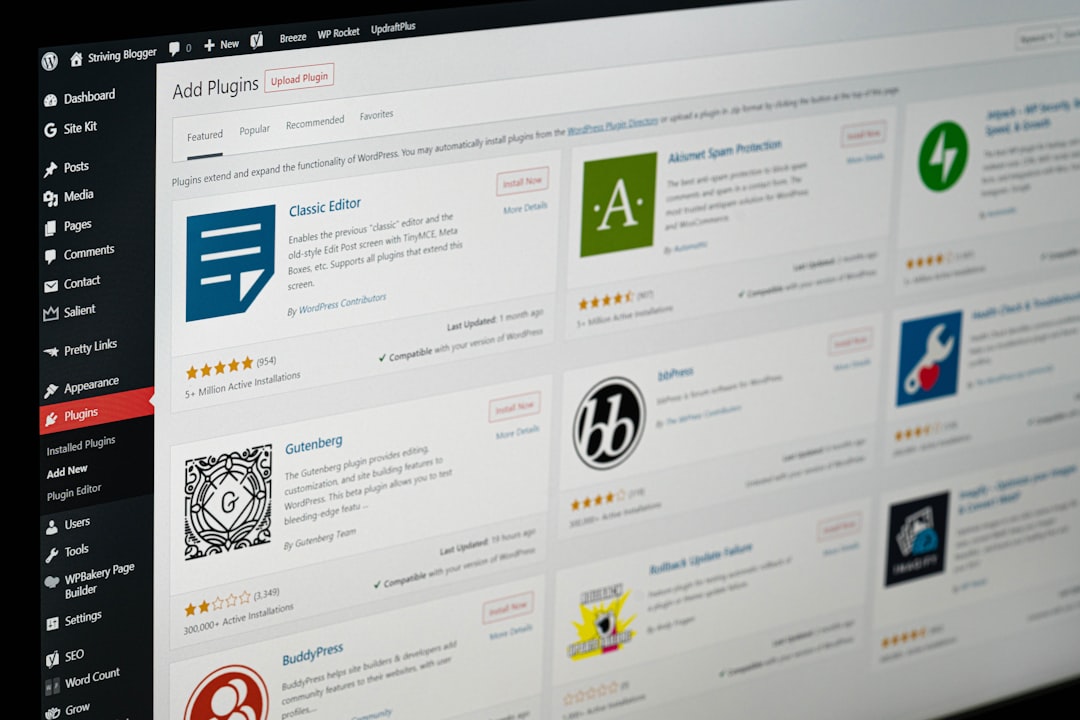
You installed AI Engine because it has 100,000+ active installs and a feature list that spans chatbots, content generation, image generation, embeddings, and a developer API. You explored the workspace, tested the copilot, maybe built a chatbot. Then you realized something: nothing here publishes a blog post on a schedule. There is no keyword research tool. No content calendar. No autopilot. Every post requires you to open the workspace, write a prompt, generate content, review it, and publish it manually. If you are a developer who wants maximum model flexibility inside WordPress, that is fine. If you are a business owner who wants blog posts that rank, that is friction. This comparison covers the best AI Engine alternative for each use case, and we will be honest about when AI Engine itself is the right answer.
What AI Engine Does Well
Credit where it is due: AI Engine by Jordy Meow is the largest AI plugin in the WordPress directory, and it earned that position. It is actively maintained, recently updated to version 3.7.0 on August 3, 2026, and tested up to WordPress 7.0.2. It is well built, broad, and developer-friendly. Any fair comparison starts by acknowledging what it does right.
Model Flexibility
AI Engine connects to OpenAI, Anthropic, Google, Mistral, OpenRouter, and other providers. You bring your own API keys and switch models per conversation or per task. Draft with Claude, rewrite with GPT, generate images with DALL-E, all from within WordPress. No other tool in this comparison offers this level of model choice. If you care about which model handles which task, AI Engine is the only option here that lets you decide.
Chatbots, Copilot, and the Workspace
The free version includes a full chatbot builder with customizable themes, realtime audio, and conversation memory. The Copilot sits inside the WordPress editor and can read, rewrite, translate, and rearrange your content blocks. The Workspace is a full-screen AI chat inside wp-admin with conversation history, folders, a prompt library, image generation, and web search. These are genuinely useful features, and they are free.
Developer Tools and Embeddings
The Pro version adds AI forms, embeddings and vector databases (Pinecone, Chroma, Qdrant, OpenAI Vector Store), function calling to WordPress and WooCommerce, usage tracking with cost controls, and an MCP server that lets external AI agents interact with your site. There are REST endpoints, extensive hooks, and an iOS companion app. For developers building AI-driven features into WordPress, this is a serious framework. Pro pricing starts at $79 per year for one site, $99 per year for five sites, and $179 per year for twenty sites, according to the official Meow Apps pricing page.
Why People Look for an AI Engine Alternative
AI Engine is powerful, but power is not the same as convenience. Three specific friction points drive people to search for alternatives, and they all come from the same root cause: AI Engine is a toolkit, not a pipeline.
Bring Your Own API Key and Manage Billing Yourself

AI Engine requires you to bring your own API key from OpenAI, Anthropic, Google, or another provider. This is a feature, not a bug, for developers. You pay per token with no markup, and you get full cost transparency. But for a dentist who wants blog posts, setting up an OpenAI account, generating an API key, pasting it into WordPress, configuring spending limits, and monitoring token usage is friction they did not sign up for. The API key is a gateway: if it expires, if billing fails, or if you hit a rate limit, content generation stops. You are the system administrator.
Configuration Complexity for a Single Purpose
AI Engine has chatbots, content generation, image generation, embeddings, AI forms, function calling, an MCP server, and a full workspace. If you only want to publish blog posts, you are configuring around features you will never use. The settings screen spans multiple tabs with model selection, temperature, max tokens, system prompts, and context windows. Each of those settings matters if you are building a chatbot or tuning output for a specific use case. They are noise if you just want a 1,500-word post about “emergency plumber near me” published every Tuesday.
Toolkit, Not Autopilot
Nothing in AI Engine publishes on a schedule. You drive every interaction: open the workspace, write a prompt, generate content, review it, copy it into a post, set categories and tags, write a meta description, find internal linking opportunities, and publish. Then repeat for the next post. There is no content calendar, no keyword research pipeline, no scheduled publishing queue. If you need 8 to 12 posts per month, that is 8 to 12 manual cycles. For a deeper look at how content automation changes that math, our guide to content automation for WordPress breaks down the real cost per post when you factor in that labor.
The Alternatives Compared
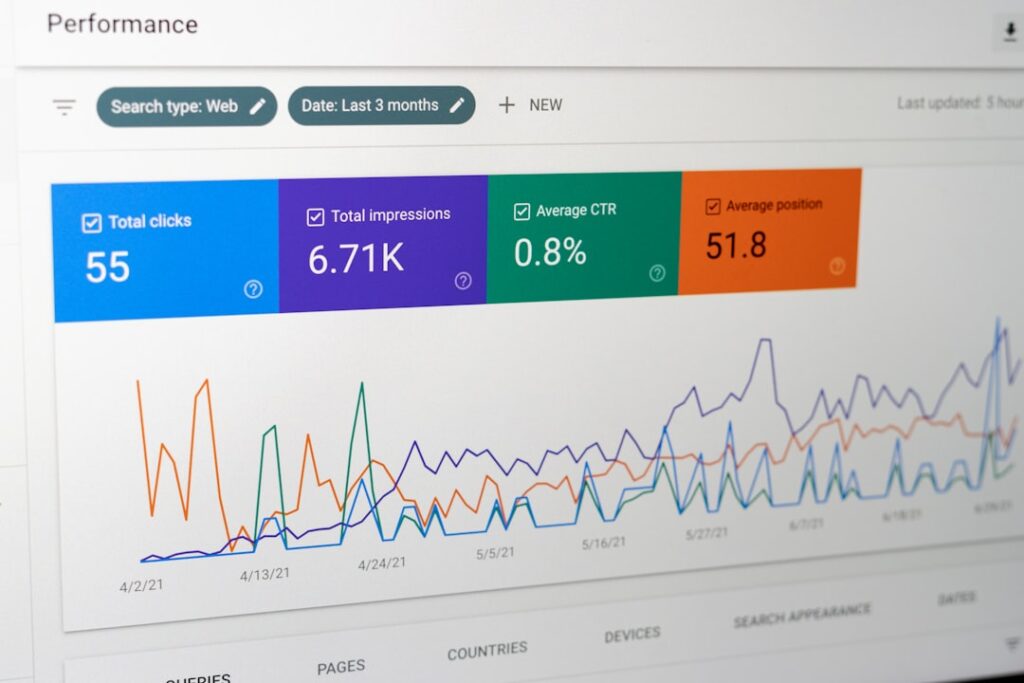
Here is how AI Engine and four alternatives stack up across the dimensions that matter most for WordPress users who want blog content. The table gives you the overview. Each tool gets a detailed breakdown below.
| Tool | API Key Required | Time to First Published Post | Scheduled / Autopilot Publishing | Keyword Research | Focus |
|---|---|---|---|---|---|
| AI Engine | Yes (BYOK) | 30 to 60 min setup, then manual per post | No | No | General-purpose AI framework |
| ClearPost | No (premium) / Yes (free tier) | ~5 min setup | Yes (calendar + scheduling) | Yes (GSC + SERP) | Blog and SEO content |
| GetGenie | No | ~15 min setup, then manual per post | No | Yes (SERP + NLP) | Blog + WooCommerce |
| Bertha AI | No | Chrome extension setup, manual per post | No | No | General copywriting |
| ChatGPT (manual) | N/A (web app) | Immediate drafting, 45 to 90 min manual work per post | No | No | General-purpose |
ClearPost: Autopilot Publishing with an Approval Gate
ClearPost is a WordPress plugin built specifically for automated AI SEO content generation and publishing. It handles the full pipeline: keyword research from your Google Search Console data, draft generation with proper heading structure, SEO metadata including meta descriptions and focus keywords, internal linking to your existing posts, and direct publishing to WordPress via the REST API.
The approval gate is the core design principle. AI does the heavy lifting, you approve every post before it goes live. No surprises, no auto-published drafts, no brand damage from unreviewed output. Every draft lands in an approval queue where you can review, edit, reject, or approve. The editing burden runs 10 to 20 minutes per post because the AI works from your site data, not a blank prompt.
ClearPost offers a free tier where you bring your own API keys (same providers as AI Engine: OpenAI, Anthropic, Google) and a premium tier that includes all AI costs with no API key management. The 7-day free trial gives you full access to the workflow before committing. If your bottleneck is publishing volume and you want the entire pipeline inside WordPress with a human approval gate, this is the tool built for that job.
GetGenie: Keyword Research and SERP Analysis Inside WordPress
GetGenie is a WordPress plugin that combines keyword research, SERP competitor analysis, and content generation in one interface. The free plan includes 2,500 AI words per month, 10 keyword analyses, and 5 SERP competitor analyses. That is enough to test the workflow on one or two posts. Paid plans start at $9.99 per month for 20,000 words on the Starter tier, with higher tiers scaling to 400,000 and 1,000,000 words per month.
Where GetGenie stands out: its SERP competitor analysis pulls top-ranking pages for your target keyword, analyzes their content structure, word count, and heading hierarchy, then generates a content brief grounded in what is actually ranking. That is real SEO data driving the draft, not a generic prompt guessing at search intent. The WooCommerce product description generator and 40+ content templates make it a strong fit for e-commerce stores.
Where it falls short: no autopilot scheduling. You drive each post through the Blog Wizard manually. No direct publishing pipeline that runs on a calendar. No internal linking automation. The proprietary engine means you cannot choose your own model. For a deeper comparison of GetGenie against other alternatives, our analysis of the best GetGenie alternatives for WordPress covers five tools with the same honest framework.
Bertha AI: Deprecated WordPress Plugin, Chrome Extension Only
Here is the most important thing to know about Bertha AI in 2026: the WordPress plugin is deprecated and no longer works with the latest version of WordPress. The plugin was closed on the WordPress.org repository as of January 31, 2026, following a compliance review that identified code, licensing, and naming issues. According to Bertha’s own announcement, the team decided the remediation work would take over 50 hours for a product that had reached a natural stopping point.
The Chrome extension still works. You can generate content while viewing your WordPress editor in the browser. But the native plugin integration that made Bertha convenient is gone. The free tier gives you 500 words per month and 5 image generations, which is too small for even a single blog post. There is no keyword research, no SERP analysis, and no scheduling. As an AI Engine alternative for WordPress-specific content, Bertha is a step backward.
ChatGPT Manual: Cheapest Draft, Most Manual Work
Using ChatGPT manually is the fallback option for anyone who is not ready to commit to a specialized tool. The free tier of ChatGPT gives you access to capable models with message limits. ChatGPT Plus at $20 per month removes most limits and gives you the latest models. The draft quality is strong. A well-prompted session produces a coherent 1,500-word post with logical structure.
The problem is everything after the draft. ChatGPT has no WordPress integration, no keyword research, no SERP analysis, no scheduling, no internal linking, and no SEO metadata generation. You copy the text, paste it into WordPress, fix the heading structure that broke during the paste, write your own meta description, find your own internal linking opportunities, source your own featured image, and set your own categories and tags. That is 45 to 90 minutes of manual work per post.
At $20 per month for ChatGPT Plus, if you publish 10 posts, the tool cost is $2 per post. But at $50 per hour and 75 minutes of manual work per post, the true cost per post is $64.50. If you publish 1 to 2 posts per month and have the time to spare, this works. If you need 8 or more posts per month, the manual labor makes this the most expensive “free” option on the list.
Do You Want to Manage Your Own API Key?
This is the first real decision point when evaluating an AI Engine alternative, and it splits the field in half. Answer this question before comparing features, because it determines what kind of tool fits your situation.
AI Engine requires you to bring your own API key. You create an account with OpenAI, Anthropic, Google, or another provider, generate an API key, paste it into the plugin, and pay that provider directly for token usage. The plugin adds no markup. Your cost scales with actual usage, and you can switch models freely. This is ideal if you already have API credits, if you want fine-grained control over which model handles which task, or if you are a developer who is comfortable managing credentials and monitoring spending.
The tradeoff is administrative overhead. You manage billing. You set spending limits at the provider level, not the plugin level. If your API key expires, if your credit card on file with OpenAI fails, or if you hit a rate limit during generation, content production stops until you fix it. You are the system administrator for your own AI infrastructure.
GetGenie, Bertha AI, and ChatGPT handle the model for you. No API key, no billing relationship with a model provider, no token monitoring. You pay the tool’s price per word or per month, and the tool manages the model behind the scenes. The tradeoff is that you are locked to whichever model the tool chooses. If the tool uses a cheaper model to protect its margins, you cannot override that choice.
ClearPost offers both paths. The free tier lets you bring your own API keys, same as AI Engine, for users who want cost transparency and model choice. The premium tier includes all AI costs with no API key management, for users who want the tool to handle it. This is the only option in this comparison that lets you choose which model provider relationship you want, and switch between them.
Toolkit vs Autopilot: The Real Difference

The deeper distinction between these tools is not features. It is who drives. This is the question that determines which tool fits your workflow, and it is more important than any feature comparison table.
AI Engine is a toolkit. You configure it, you prompt it, you publish from it. Every post requires your active involvement. You open the workspace, write a prompt, review the output, copy it into a post, handle SEO metadata, find internal links, and publish. This gives you maximum control and flexibility. You can generate a chatbot response, then an image, then a blog post draft, then a translation, all in one session. For someone who wants to build AI features into WordPress and drive each interaction manually, that is a strength.
ClearPost is an autopilot with an approval gate. You set up your business context once: your services, your locations, your tone. ClearPost researches keywords from your Search Console data, builds a content calendar, generates drafts, and schedules them. Every draft waits in an approval queue. You review, you approve, it publishes on the schedule you set. The driving is automated. The judgment is human. For a deeper look at this distinction, our comparison of ClearPost vs AI Puffer covers the same toolkit-versus-outcome tradeoff with a different general-purpose plugin.
GetGenie sits in between. It is a WordPress plugin with keyword research and content generation, but no autopilot scheduling. You drive each post through the Blog Wizard, but the keyword research and SERP analysis happen inside the plugin, which saves you the step of using a separate research tool. It is a guided manual workflow, not an autopilot.
ChatGPT manual is the extreme toolkit case. You drive everything, including copy-paste and formatting. Maximum control, maximum labor.
The honest framing: you trade strategic direction and specialist writing depth for speed, cost efficiency, and editorial control. The right choice depends on whether you need a toolkit you drive yourself or an engine that runs with your oversight. For a broader look at what actually works when automating SEO content on WordPress, our guide to automatic SEO on WordPress covers the principles that apply across all these tools.
When AI Engine Is Still the Right Choice
AI Engine is not the wrong choice. For a specific type of user, it is genuinely the best option in this comparison, and pretending otherwise would be dishonest.
If you are a developer or technical WordPress site owner who wants to build AI-powered features into your site, AI Engine is the only tool here that gives you the framework to do it. Chatbots, AI forms, function calling to WooCommerce, embeddings for knowledge bases, an MCP server that lets external AI agents interact with your site. None of the alternatives offer this. If your goal is to build, not just to publish blog posts, AI Engine is the right tool.
If you already have API credits with OpenAI or Anthropic and you want to use those credits inside WordPress without paying a per-word markup to a third-party tool, AI Engine’s BYOK model is the most cost-efficient path. You pay the raw API price per token. No middleman. For high-volume content production where token costs matter, this adds up.
If you want to choose your own model and switch between them per task, AI Engine is the only option. Draft with Claude, rewrite with GPT, generate images with DALL-E, all from one plugin. The alternatives either choose the model for you or limit you to a single provider.
What AI Engine does not do is the publishing pipeline. Keyword research, content calendars, scheduled publishing, internal linking, SEO metadata. If you need those, you are looking for an autopilot, not a toolkit. That is the gap the alternatives fill.
If you want blog posts that rank published on a schedule without driving every post manually, ClearPost can help. AI does the heavy lifting, you approve every post before it goes live. No long onboarding, no agency overhead, cancel anytime. Try ClearPost free for 7 days and see what a full WordPress publishing pipeline looks like compared to the manual cycle you are running now.
Frequently Asked Questions
Is AI Engine free to use?
AI Engine has a genuinely capable free version that includes chatbots, content generation, image generation, a Copilot in the WordPress editor, an AI playground, REST API, and MCP server. You still need to provide your own API key from OpenAI, Anthropic, Google, or another provider, and you pay that provider directly for token usage. The Pro version starts at $79 per year for one site and adds AI forms, embeddings, usage tracking, and advanced features.
Does AI Engine require an API key?
Yes. AI Engine uses a bring-your-own-key (BYOK) model. You create an account with an AI provider like OpenAI or Anthropic, generate an API key, and paste it into the plugin. You pay the provider directly for token usage with no markup from the plugin. This gives you model flexibility and cost transparency, but it means you manage billing, spending limits, and API key maintenance yourself.
What is the best AI Engine alternative for automated blog publishing?
ClearPost is the strongest choice for automated blog publishing. It handles keyword research from Google Search Console data, generates drafts with SEO metadata and internal links, schedules posts on a calendar, and publishes directly to WordPress via the REST API. Every draft passes through an approval gate where you review before it goes live. Unlike AI Engine, it runs on autopilot without requiring you to drive each post manually.
Can I use AI Engine and ClearPost on the same WordPress site?
Yes. They do not conflict. Some users keep AI Engine for its chatbot or developer features while using ClearPost for automated SEO content generation and publishing. AI Engine handles the AI framework side, ClearPost handles the content pipeline. They serve different purposes and can coexist on the same install.
Is Bertha AI still a viable WordPress plugin in 2026?
No. Bertha AI’s WordPress plugin is deprecated and was closed on the WordPress.org repository as of January 31, 2026, following a compliance review. The plugin no longer works with the latest version of WordPress. Bertha now operates as a Chrome extension only. It can still generate content while you view WordPress in your browser, but the native plugin integration is gone, and there is no keyword research or scheduling.