
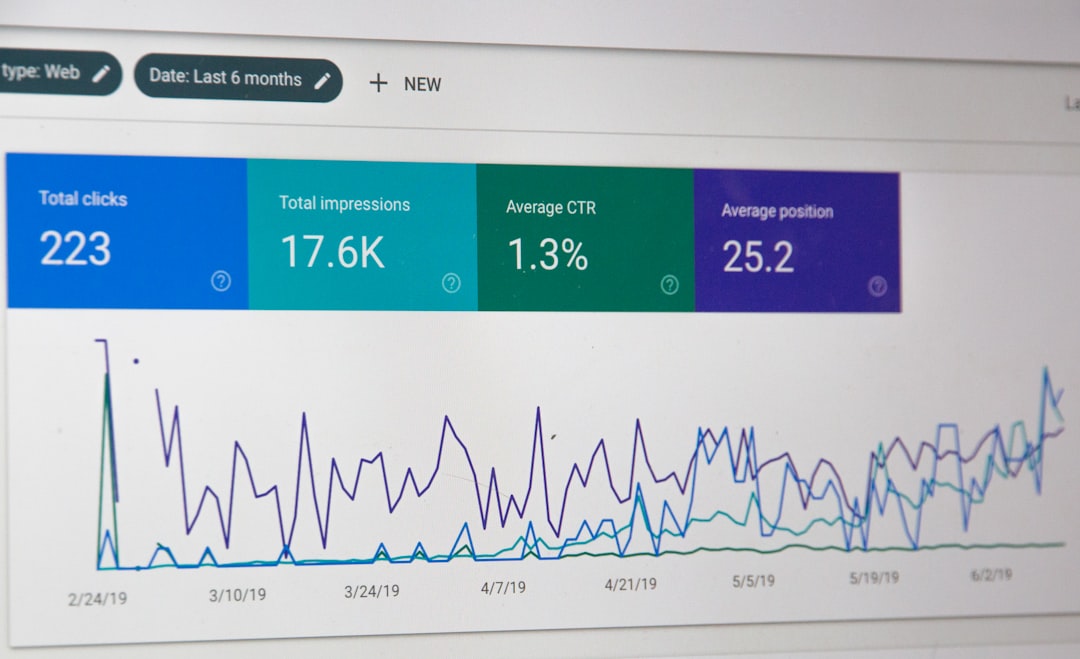
You opened a rank tracker three months ago, added 50 keywords, and checked them every Monday. Most moved one or two spots. A few jumped five. One dropped from page one to page three and you panicked, refreshed the page twice, then forgot about it by Thursday. You have a dashboard full of position numbers and no idea what any of them mean for your content decisions. This is where most small business owners and lean WordPress site managers stall: you collect ranking data but never connect it to action.
Monitoring keyword rankings is not a standalone task. It is the feedback loop that tells your content system what to do next. If you monitor keywords ranking effectively, every weekly check feeds directly into what you publish, what you refresh, and what you stop investing in. If you track them wrong, you spend 45 minutes a week staring at numbers that never change your behavior.
Why Most People Track Rankings Wrong

Most people track rankings for emotional reassurance, not decision-making. You want to see your keywords climbing because it feels like progress. A green arrow pointing up on Monday morning gives you a hit of validation that your content investment is working. But that hit does not translate into a single content decision. You are monitoring to feel good, not to act.
Here are the three patterns that waste the most time:
Tracking 200 keywords you found in a brainstorm
You sat down with a keyword planner, exported a list of 200 terms that looked relevant, pasted them into a tracker, and set it running. Six months later, 140 of them have never cracked page five. You are paying to track keywords you have no realistic chance of ranking for, and the noise drowns out the signals from the 60 that actually matter. A tracking list should start with queries your site already earns impressions for, not with a wishlist from a keyword tool. If you need help building that initial list the right way, our keyword planner guide for WordPress walks through the grouping and prioritization process.
Reacting to single-day movements
A keyword drops from position 7 to position 12 on a Tuesday and you spend the afternoon rewriting the meta title. By Friday it is back at 8. Rankings fluctuate daily based on location, device, personalization, and SERP feature changes. A single-day movement is noise unless it persists for two to three weeks. Reacting to it wastes time and introduces unnecessary changes that can actually destabilize a page that was fine.
Tracking vanity keywords instead of commercial keywords
You rank position 3 for “what is a sump pump” and it feels great. That informational query drives 400 impressions a month and 3 clicks, none of which turn into a service call. Meanwhile, “sump pump repair [your city]” sits at position 14, gets 60 impressions, and has driven 8 calls this quarter. You are celebrating the wrong number. Commercial keywords, the ones that connect to revenue, deserve priority in your tracking setup even when their search volume is lower.
What Keyword Ranking Data Actually Tells You
Ranking data tells you three things: whether Google associates your content with a query, whether that association is strengthening or weakening over time, and where the ceiling is for a given page. It does not tell you how much traffic you will get, how many clicks you will earn, or whether those clicks will convert. Ranking position is a necessary but insufficient signal. Here is what each movement actually means.
A keyword climbing from position 30 to position 15
This is Google testing your page for relevance. The search engine has identified your content as a candidate for this query and is gradually exposing it to more searches. You are not yet getting meaningful traffic from it, but the trajectory signals that the page is doing something right. Do not rewrite it yet. Let it cook for another two to three weeks. If it reaches the 10 to 12 range and stalls, that is the moment to intervene: add depth, improve internal links from related posts, or expand a section that competitors cover better.
A keyword dropping from position 4 to position 11
A drop past the page-one threshold is the most consequential movement in your tracker. Positions 1 through 3 capture roughly two-thirds of clicks. Position 11 gets a fraction of what position 4 does. If a keyword that was on page one for 60-plus days suddenly drops to page two, something changed: a competitor published better content, Google updated its algorithm, or your page lost a backlink. Check the SERP yourself. Search the keyword in an incognito window and compare the top results to your page. If competitors have fresher content, more comprehensive coverage, or better structured data, you have a refresh opportunity. If the SERP now features an AI Overview that pushes organic results down, your click share has shrunk regardless of your rank.
A keyword stuck at position 8 to 12 for 90 days
This is the most actionable signal in your tracker. You are on the cusp of page one. A targeted refresh, adding a section that competitors cover but you do not, improving the title tag for click-through rate, or building two or three internal links from related posts can push you across the line. These are your highest-ROI content tasks. Every week, scan your tracker for keywords in the 8 to 12 range and pick one to invest in. That single action compounds faster than publishing five new posts on zero-volume terms.
A keyword you never intentionally targeted appearing in your data
Google Search Console will show you queries your pages rank for that you never planned around. This is your best source of new content ideas. If a post about “water heater installation” is getting impressions for “water heater installation cost” at position 18, write a dedicated post targeting that query and link it from the original. You already have topical relevance. A focused page will outrank a passing mention inside a broader article. For a deeper look at how to use Search Console data to find these opportunities, our AI SEO agent workflow guide covers how to cross-reference GSC data with keyword opportunity automatically.
Tools to Monitor Keyword Rankings in 2026
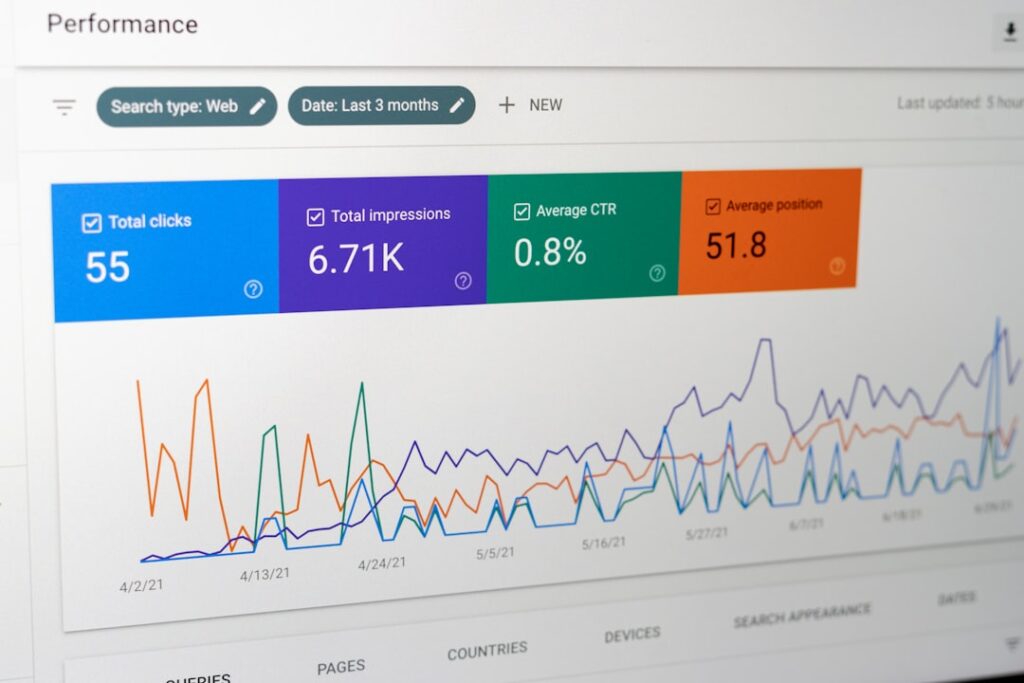
You do not need three subscriptions to monitor keywords ranking effectively. Most small business sites and lean WordPress operations can run on two tools: Google Search Console (free, first-party data from Google) and one dedicated tracker for competitor positions and keyword discovery. If you are managing fewer than 100 target keywords, GSC plus the built-in rank tracker in SEO plugins like Rank Math may be enough. Above 100 keywords, or if you need to track competitors, a dedicated tool becomes worth the cost.
Here is how the main options compare for a small business or lean marketing team in 2026:
| Tool | Starting Price | Keywords Included | Update Frequency | Best For |
|---|---|---|---|---|
| Google Search Console | Free | Every query you rank for | 2-3 day delay | Baseline reality check, discovering queries you already rank for |
| Wincher | ~$10-12/mo | 100-500 | Daily | Smallest budget, simplest setup |
| Nightwatch | ~$32/mo | 250 | Daily | Local SEO with city and ZIP-level tracking |
| Mangools SERPWatcher | ~$19.90-29.90/mo | 200 (700 on Premium) | Daily | Beginners who want clean reporting |
| SE Ranking | ~$103/mo | 2,000 | Daily + on demand | Best cost-per-keyword, AI Overview tracking included |
| Semrush | ~$117/mo | 500 | Daily (Guru tier) | Full marketing stack beyond rank tracking |
| AccuRanker | ~$224/mo | 2,000 | On demand, near instant | Speed and accuracy for larger keyword sets |
| Ahrefs | ~$108-129/mo | Varies by plan | Weekly by default | Backlink-first workflows where rank tracking is secondary |
A few things to know before choosing. Google Search Console is the only free source of real ranking data direct from Google. Its “average position” metric is a weighted mean across every impression, device, and location, not a snapshot of where you rank for one specific search. As Google’s own documentation explains, a keyword sitting at position 3 for some searches and position 40 for others might report as position 20. That is why GSC works best as a verification layer and discovery tool, not as your sole tracker.
The GSC data limitations you need to know
GSC has structural limits that affect how you interpret its data. The Performance report caps at roughly 1,000 rows per export through the web interface, meaning long-tail queries with low click counts get dropped first. The API allows up to 50,000 rows per day, which is enough for most small sites. Data is delayed 2 to 3 days. And GSC only shows queries that earned at least one impression, so keywords you rank for at position 80 that no one ever scrolled to see will not appear. For a full breakdown of these limitations and how to work around them, SEO Stack’s analysis of GSC data gaps covers the row limits, privacy filtering, and sampling behavior in detail.
How to choose without overthinking it
If you are a solo founder or one-person marketing team with under 100 target keywords: use Google Search Console plus the free rank tracker built into Rank Math or a low-cost tool like Wincher at $10 to $12 per month. You do not need a $100-plus subscription to monitor 40 keywords.
If you run a local service business and need to track rankings by city or ZIP code: Nightwatch at roughly $32 per month offers the best hyper-local tracking in this price range. Local rankings change based on proximity, and a national average position is meaningless for “plumber near me” queries.
If you are an agency managing 20-plus client sites: SE Ranking at roughly $103 per month for 2,000 keywords gives you the best cost-per-keyword at about $0.05 each, compared to Semrush at roughly $0.23 per keyword for 500. The math compounds fast across multiple clients. For a deeper look at the full SEO stack for multi-site operations, our 2026 SEO stack guide for agencies breaks down the complete toolchain.
Building a Weekly Ranking Review Process

A weekly review takes 20 to 30 minutes if you have the right structure. The goal is not to analyze every keyword. It is to spot the three or four movements that warrant a content action and ignore the rest. Here is the process that works for small business owners and lean WordPress teams.
Monday: Scan for movements that matter
Open your rank tracker and sort by the largest position changes, both up and down. Ignore anything that moved fewer than 3 positions. A 2-spot drift is normal fluctuation. Look for three categories:
- Keywords that dropped 5 or more positions and were on page one (positions 1-10). These are urgent. Check the SERP and figure out what changed.
- Keywords that entered the 8 to 12 range. These are your refresh opportunities. Add them to a shortlist.
- Keywords that jumped 5 or more positions from page 3 or 4 into page 2. These are gaining momentum. Note them and watch for another week before acting.
Tuesday: Check Google Search Console for new queries
Open GSC and filter the Performance report by the last 28 days. Sort by impressions descending. Look for queries that are new or growing, ones you did not see in previous weeks. Cross-reference these against your content library. If a query is getting 50-plus impressions and you have no dedicated page for it, that is a topic for your next post. If a query is getting 200-plus impressions and your page ranks at position 18, that is a refresh candidate. Export the top 10 new or growing queries into a simple spreadsheet or notes doc. This takes 10 minutes.
Wednesday: Pick one action from the shortlist
You now have a shortlist of 5 to 10 items from Monday and Tuesday. Pick one to act on this week. Not five. One. If a page-one keyword dropped, the action is to refresh that page. If a page-two keyword is at position 11, the action is to add depth or internal links. If a new query has no dedicated page, the action is to draft one. One action per week, executed well, beats five actions that get half-finished. For guidance on how many posts you should be publishing alongside these refreshes, our publishing cadence guide breaks down the right frequency by site size.
Thursday: Execute the action
If the action is a content refresh, open the post in WordPress. Compare it against the top three ranking pages for that keyword. Identify one section a competitor covers that yours does not. Add it. Improve the title tag if the current one is generic. Add two internal links from related posts on your site. Republish or update the post. This takes 30 to 45 minutes for a targeted refresh, not a full rewrite.
If the action is a new post, feed the target keyword into your content workflow. If you are using ClearPost, the plugin reads your Search Console data, identifies the gap, drafts a post targeting that keyword with proper heading structure and internal links, and drops it in your approval queue. You review it, add your expertise, and publish. Total time: 20 to 30 minutes of your attention, with AI handling the drafting and formatting.
Friday: Update the tracking list
Add any new keywords from Tuesday’s GSC review to your tracker. Remove keywords that have been stuck below position 50 for 90 days with no movement. They are wasting space in your dashboard and your attention. A lean tracking list of 40 to 80 keywords that you actually act on beats a bloated list of 200 that you scroll past. This cleanup takes 5 minutes.
How Ranking Data Should Drive Content Decisions
Ranking data without content decisions is just a hobby. The entire point of monitoring keywords ranking is to close the loop between what Google is telling you and what you publish next. Here is how to translate ranking signals into specific content actions.
When to refresh existing content
Refresh when a page that was ranking on page one drops to page two. Refresh when a page at position 8 to 12 has been stuck for 60-plus days. Refresh when GSC shows a page getting high impressions but low CTR, which usually means the title or meta description is not compelling. Do not refresh pages that are climbing. Do not refresh pages at position 30 that have never moved. Focus your refresh energy on pages that are close to winning or have recently lost ground.
When to publish new content
Publish new content when GSC reveals queries with 50-plus impressions that you have no dedicated page for. Publish when a keyword planner identifies a related subtopic within a content cluster you have already started building. Publish when competitors rank for a topic you have never covered. The strongest signal is the intersection of search volume (from a keyword planner), existing relevance (from GSC), and a gap in your content library. That intersection is where new posts have the fastest path to ranking.
When to stop investing in a topic
Stop when a keyword has been stuck below position 40 for 6 months despite a well-optimized post. The SERP may be dominated by authority domains you cannot displace, or the query may trigger SERP features that leave no room for organic results. Reallocate that tracking slot and that content energy to a keyword with realistic upside. This is the hardest decision because it feels like giving up, but pruning weak targets is how you keep your system focused on what can actually move.
The feedback loop in practice
Here is what a 90-day cycle looks like when ranking data drives content decisions:
- Weeks 1-4: Publish 8 new posts targeting low-competition keywords identified from your planner. Add all target keywords to your tracker. Expect most to start at position 40 or lower.
- Weeks 5-8: 3 or 4 keywords have entered the 15 to 25 range. Refresh those posts with added depth and internal links. Continue publishing new posts. Remove 10 keywords from the tracker that have shown zero movement.
- Weeks 9-12: 1 or 2 keywords have reached the 8 to 12 range. These become your priority refresh targets. 1 keyword may have cracked page one. Double down on what is working by publishing supporting spoke posts that link to the winning page.
By the end of 90 days, you have a content library of 24-plus posts, a refined tracking list of 40 to 60 keywords, and clear data on which topics are gaining traction. That data is what tells you what to write next, what to fix, and what to abandon. This is the system working. Not a dashboard full of green arrows, but a feedback loop that makes every publishing decision better informed than the last one.
If you want to see how this loop runs when the drafting, internal linking, and publishing steps are automated, ClearPost connects to your WordPress site, reads your Google Search Console data, and generates posts that target the gaps your ranking data reveals. You approve every post before it goes live. No auto-publishing, no agency overhead, no content published without your review. The AI handles the work between keyword data and a structured draft. You stay in the editorial chair, making the decisions that ranking data tells you to make.
Try ClearPost free for 7 days. No credit card required, cancel anytime. AI does the heavy lifting, you approve every post before it goes live.
Frequently Asked Questions
Frequently Asked Questions
How often should I check keyword rankings?
Weekly is the right cadence for most small business sites and lean WordPress teams. Checking daily leads to overreaction against normal fluctuation. Rankings shift based on location, device, and personalization, so a single-day movement rarely means anything. A weekly review lets you spot trends that persist for 7-plus days, which are the signals worth acting on.
Is Google Search Console enough for rank tracking?
Google Search Console is the best free tool for understanding what your site already ranks for, but it has limitations. Its average position metric is a weighted mean across all impressions and locations, not a snapshot of one search. It only shows queries that earned at least one impression, and the web interface caps at roughly 1,000 rows per export. For tracking competitor positions or keywords you do not yet rank for, you need a dedicated tracker like SE Ranking, Nightwatch, or Wincher alongside GSC.
What is a good number of keywords to track?
For most small business sites, 40 to 80 keywords is sufficient. A lean tracking list that you actually act on beats a bloated list of 200 that you scroll past. Start with queries your site already earns impressions for in Google Search Console, then add commercial keywords connected to your services. Remove keywords that have been stuck below position 50 for 90 days with no movement.
What does it mean when a keyword drops from page one to page two?
A drop past the page-one threshold is significant. Positions 1 through 3 capture most clicks, and position 11 gets a fraction of what position 4 does. The drop usually means a competitor published better content, an algorithm update changed the SERP, or your page lost relevance. Search the keyword in an incognito window, compare the top results to your page, and identify what competitors cover that you do not. A targeted refresh adding that missing depth is usually the right response.
Should I track rankings or just focus on traffic?
Track both, but understand they measure different things. Rankings tell you whether your content is gaining or losing visibility for specific queries. Traffic tells you the aggregate result. A keyword can climb from position 20 to position 12 and produce almost no traffic change, but that movement signals growing relevance worth investing in. Traffic alone does not tell you which specific keywords are improving, which is why ranking data is the diagnostic layer that explains what is driving your traffic trends.